Best Ebook Reader Apps for Android (2026)
Honest comparison · 6 apps · real use cases, including our own (clearly disclosed)
The best ebook reader app for Android depends almost entirely on one question: where do your books come from? If you buy (or grab free books) on Amazon.com, the Kindle app is non-negotiable. If you live in the Google ecosystem, Play Books is the path of least resistance. If you have a folder full of EPUB files, Moon+ Reader or ReadEra will treat them far better than any store app. There is no single winner — only the right tool for your library.
This comparison covers the five readers we'd actually recommend, plus a disclosure: kindlegratis.fun develops a companion app of its own, Ebooks Gratis. It is included at the end of this guide, clearly marked as ours, because it complements these readers rather than competing with them — it finds free books, the readers read them.
How we built this page
How we compared: all apps tested on a current Android phone in June 2026, evaluated on catalog access, supported formats, customization, cloud sync, and ads. Last reviewed: 2026-06-10.
Quick comparison
| App | Best for | Formats | Cloud sync | Ads | Price |
|---|---|---|---|---|---|
| Amazon Kindle | Amazon.com ebooks | AZW, KFX, sideloaded EPUB via Send to Kindle | Yes (Whispersync) | No | Free |
| Google Play Books | Google ecosystem | EPUB, PDF (uploads supported) | Yes (Google account) | No | Free |
| Kobo | Kobo store + library borrowing | EPUB, PDF | Yes (Kobo account) | No | Free |
| Moon+ Reader | Power users with local files | EPUB, PDF, MOBI, FB2, TXT, CBZ | Via Drive/Dropbox | Yes (free tier) | Free / Pro one-time |
| ReadEra | Simple offline reading | EPUB, PDF, MOBI, DOC, FB2 | Premium only | No | Free / Premium |
| Ebooks Gratis (ours) | Finding free Kindle books | Not a reader — links to Amazon | Via Amazon account | Yes (free with ads) | Free |
The apps, one by one
Amazon Kindle — the default for Amazon readers
If your books come from the Amazon.com Kindle Store — including every free book you grab during a $0.00 promotion — the Kindle app is where they live. Whispersync keeps your page, highlights, and notes identical across phone, tablet, and e-reader. X-Ray, the built-in dictionary, and Word Wise are genuinely useful extras. The trade-off: it is a walled garden. It won't open a random EPUB directly; you must route outside files through Send to Kindle. Clean, ad-free, and effectively mandatory for Amazon users.
Google Play Books — the quiet all-rounder
Play Books is underrated. It reads purchases from the Play Store, but it also accepts your own EPUB and PDF uploads, which then sync across devices like native purchases. Inline translation is excellent. The catalog of free classics is decent, the interface is clean, and there are no ads. Best for readers already paying for Google One or living on Pixel/Chromebook hardware.
Kobo — the library-friendly alternative
Kobo's killer feature in North America is OverDrive integration: if your public library participates, you can borrow ebooks for free directly inside the ecosystem. The reading experience is comparable to Kindle's, and it pairs with Kobo e-readers if you own one. Worth installing alongside Kindle rather than instead of it.
Moon+ Reader — for people with opinions about fonts
The power-user choice. Moon+ opens practically any format, and the customization is extreme: fonts, margins, line spacing, scrolling modes, themes, text-to-speech, page-turn animations. It sells no books — it is purely a reader for files you already have. The free version shows ads; the one-time Pro upgrade removes them and unlocks the best TTS implementation on Android.
ReadEra — the no-nonsense minimalist
ReadEra's pitch is rare and refreshing: no ads, no account required, fully offline, and it still opens EPUB, PDF, MOBI, and even Word documents. It lacks a store and cloud sync (sync is part of the paid Premium tier), but as a free, private, install-and-read app, nothing beats it. Ideal for PDFs and one-off documents.
Ebooks Gratis — our app, and what it is not
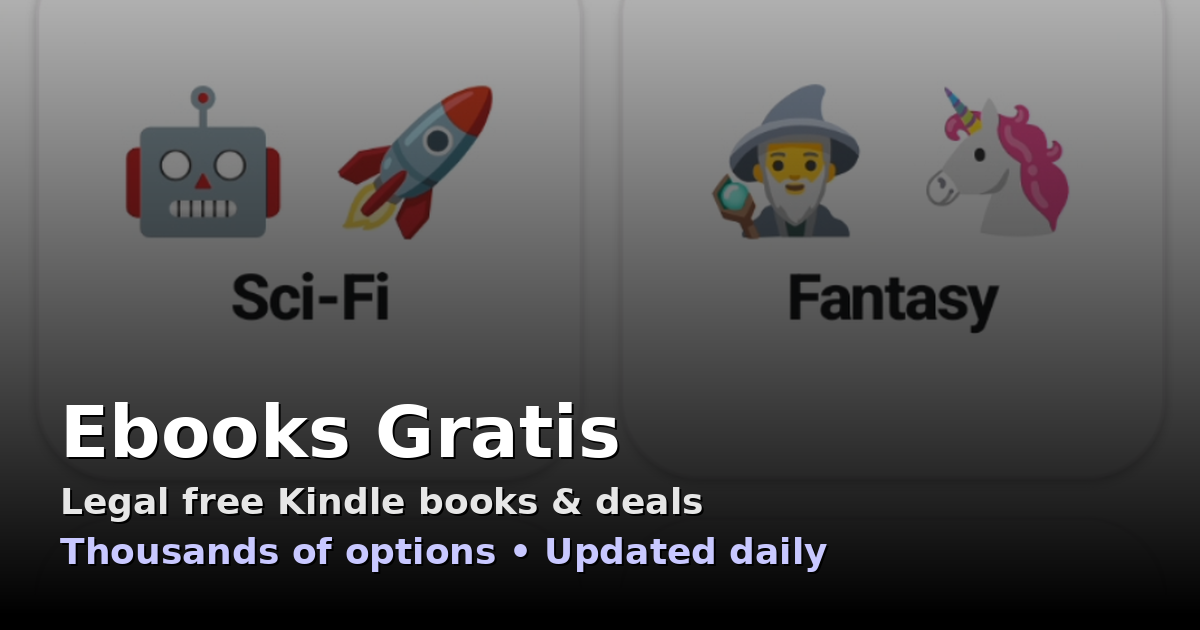
Full disclosure: we build this one. Ebooks Gratis is not a reader — it finds the free books in the Amazon.com Kindle Store. It checks for free promotions several times a day and sends a notification when something free appears in the genres you follow; tapping a book takes you to the official Amazon page to complete the $0.00 purchase. It has passed 1 million downloads with a 4.3-star rating on Google Play. It is free and ad-supported, and it is designed to sit next to the Kindle app: we find the books, Kindle reads them.
Which app should you choose?
- You get books from Amazon.com: Kindle app, full stop. Add Ebooks Gratis if you want the free promotions found for you.
- You borrow from a public library: Kobo (via OverDrive) or your library's own app, such as Libby.
- You have EPUB files from many sources: Moon+ Reader for maximum control, ReadEra for maximum simplicity.
- You want one app for everything Google: Play Books, and upload your own files to it.
Most heavy readers end up with two apps: a store app tied to where they acquire books, and a local-file reader for everything else. That combination costs nothing and covers every realistic case.
Reader apps vs. free-book finders
One distinction worth keeping clear: a reader app displays books; a free-book finder surfaces them. The Kindle Store hosts thousands of free promotions, but Amazon does not exactly put them front and center — they rotate fast and are buried under paid placements. That gap is why aggregators exist. Whether you use our app, our daily web lists at kindlegratis.fun/en/, or Amazon's own Top 100 Free pages, pair your reader with a discovery habit and your library grows for free.
Frequently asked questions
What is the best free ebook reader app for Android?
For books from Amazon.com, the Kindle app — it's required for the AZW/KFX format and syncs everything. For your own EPUB or PDF files, Moon+ Reader offers the deepest customization, while ReadEra is the best truly ad-free, offline option. All three are free to install.
Can the Kindle app open EPUB files?
Not directly from your file manager. You need to route EPUBs through Amazon's free Send to Kindle service (app, email, or web), which converts and adds them to your Kindle library. If you handle a lot of EPUBs, a dedicated app like Moon+ Reader or ReadEra is more practical.
Which ebook app has no ads at all?
Among free tiers: Kindle, Google Play Books, Kobo, and ReadEra show no ads. Moon+ Reader's free version has ads, removed by a one-time Pro purchase. Our own Ebooks Gratis app is ad-supported — that's how the free service stays free.
What's the difference between the Kindle app and Ebooks Gratis?
Kindle is Amazon's official reading app. Ebooks Gratis is our companion app: it doesn't display books, it finds Kindle ebooks that are temporarily free on Amazon.com and alerts you, then hands you off to Amazon for the $0.00 purchase. You read the result in the Kindle app. They are complements, not competitors.
Do I need different apps to read free books vs paid books?
No. A free Kindle book acquired during a $0.00 promotion behaves exactly like a paid one — same library, same app, same sync. The only difference is what you paid. The same is true in Play Books and Kobo with their free catalogs.
Recommended sources
1M+ downloads · 4.3★ average · free with ads